
Most blogs talk about “finding content ideas” like it’s a creative problem.
For founders, small business owners, and marketers, it’s usually a signal problem. The best topics are already in front of you, sitting inside:
- Blog comments
- YouTube comments
- LinkedIn replies
- Facebook group threads
- Reddit threads
- Support chats
- Community Q&A
Comments are not noise. They are market language. They show what people don’t understand, don’t trust, want to compare, or want to buy.
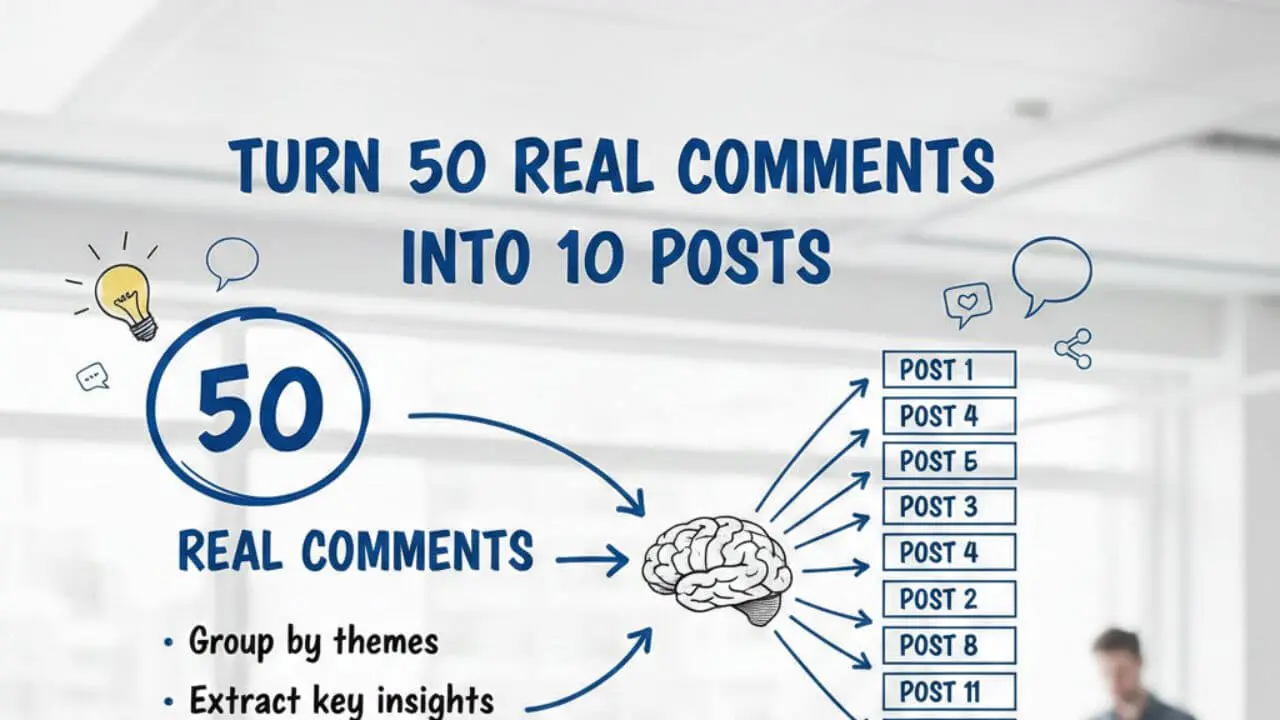
This post gives you a repeatable system to take 50 real comments and turn them into 10 strong posts that feel human, specific, and useful.
You’ll end with:
- A simple tagging and scoring method
- A spreadsheet template you can copy
- A clustering method that produces clear post angles
- Examples of how one comment becomes a post you can publish
Why comments create better content than keyword tools

Keyword tools show what people type.
Comments show:
- What people believe
- What they fear
- What they tried and failed
- What they think is a scam
- What they think is too expensive
- What they want step by step
Those details are exactly what make a post feel “not generic”.
Also, comments force you to write in the reader’s words. That improves:
- Headlines
- Examples
- CTAs
- Future Social Posts
If you run a curated site like Peak Lora, comments are even more valuable because they help you write short “explainers” and “decision posts” around curated links.
The Comment-to-Content system (overview)
You will do this in 60 to 90 minutes:
- Collect 50 comments into one place
- Clean and de-identify them
- Tag each comment (problem, objection, comparison, request, result)
- Score each comment (intent + specificity + emotion)
- Cluster into 10 themes
- Turn each cluster into one post with a clear promise
- Publish and loop back to collect more comments
You can repeat this weekly.
Step 1: Collect 50 comments (fast, not perfect)
Choose one main channel for your first run. Don’t mix five platforms on day one.
Good sources:
- Your own blog comments
- YouTube comment section of your niche
- LinkedIn posts from people in your niche
- Facebook groups (public posts)
- Reddit threads
If you use comments from communities, follow their rules and don’t expose private details.
A simple method:
- Open a thread
- Copy comments into a sheet
- Keep one comment per row
- Add the link to the thread (for context)
Step 2: Clean the comments (so you can publish safely)
Before tagging, clean each comment:
- Remove names
- Remove company names (unless it’s public and relevant)
- Remove personal info
- Fix only obvious spelling if needed (do not rewrite the “voice”)
Keep the raw meaning.
Bad:
- “John from ABC company said he spends $3,000 per month…”
Good:
- “A small business owner said they spend $3,000 per month…”
You’re building content, not exposing people.
Step 3: Tag every comment with one primary tag
Use one primary tag only. This prevents confusion later.
Here are 5 tags that work well:
1) Problem
They are stuck or confused.
- “I tried this and it didn’t work.”
- “What should I do first?”
2) Objection
They don’t trust it, or it feels risky.
- “Isn’t this spam?”
- “Will this hurt my SEO?”
3) Comparison
They want to choose between options.
- “A vs B, which is better?”
- “Should I use X or Y?”
4) Request
They want a template, steps, or a tool.
- “Can you share your exact setup?”
- “Do you have a checklist?”
5) Result
They share a win, a fail, or data.
- “This doubled my clicks.”
- “This wasted my budget.”
These tags are simple, but powerful because each tag becomes a post type.
Step 4: Score comments so you pick winners
Not all comments deserve a full post.
Use a quick scoring system from 0 to 10.
Intent score (0 to 4)
- 0: vague opinion
- 1: general curiosity
- 2: trying to do something
- 3: deciding between options
- 4: close to buying or implementing
Specificity score (0 to 3)
- 0: no details
- 1: some context
- 2: clear scenario (industry, budget, platform)
- 3: includes constraints (time, money, skills, tools)
Emotion score (0 to 3)
Emotion matters because it drives attention and sharing.
- 0: neutral
- 1: mild frustration
- 2: strong pain or strong excitement
- 3: urgent fear, anger, or “I need this now”
Total = Intent + Specificity + Emotion
Pick comments with a score of 7+ for your first 10 posts.
Step 5: Use a spreadsheet template (copy this structure)
Create a sheet with these columns:
Comment IDPlatform(YouTube, Blog, LinkedIn, etc.)Thread URLComment Text(cleaned)Primary Tag(Problem, Objection, Comparison, Request, Result)Intent (0-4)Specificity (0-3)Emotion (0-3)Total ScoreTopic ClusterPost AngleWorking TitleHook Sentence(1 line)CTA(what you want them to do)
This makes the system repeatable, and it stops you from writing random posts.
Step 6: Cluster comments into 10 themes (the part most people skip)
This is where your posts become unique.
Clustering is simple:
- Read the top 20 scored comments
- Notice repeated patterns
- Group them into themes
A strong cluster is not “Facebook ads”.
A strong cluster is:
- “Facebook ads for small budgets when you have no pixel data”
- “Facebook ads when your landing page is slow”
- “Facebook ads when you only have one offer and no lead magnet”
A practical clustering rule
Each cluster should have:
- one platform or channel
- one goal
- one constraint
Example:
- Platform: WordPress blog
- Goal: get leads
- Constraint: no time, small budget
That becomes a post angle immediately.
Step 7: Turn each cluster into a post blueprint
For each cluster, write these 5 lines before you write the post:
- Who is this for?
- What are they trying to achieve?
- What is stopping them?
- What is the simplest working solution?
- What mistake will ruin it?
That’s your outline.
Real examples: 12 sample comments turned into 10 post ideas
Below are real comments (anonymized) we got on all our platforms.
Comments (12)
- “I post every day but nothing converts. Should I stop?”
- “My ads get clicks but no leads. Is my landing page the problem?”
- “Is it safe to use AI to write content? Will Google penalize?”
- “I don’t have time to write long posts. What’s the minimum?”
- “WordPress feels slow after I added more plugins. Which ones should I remove?”
- “How do I know if my content is actually helping my business?”
- “Everyone says ‘build a funnel’ but I only sell one service. What funnel?”
- “Should I write for SEO or social media first?”
- “My Facebook page reach is dead. Is it my content or algorithm?”
- “Is boosting a post a waste of money?”
- “I’m scared to spend on ads because I don’t know what to test first.”
- “My blog gets traffic but no newsletter signups.”
Cluster them into 10 themes
Here are 10 post ideas (each built from multiple comments):
- “Posting Every Day but No Conversions: The 3 Fixes That Actually Change Results”
Source: 1, 6, 9
Tag type: Problem + Result
Must include: conversion path check, CTA clarity, offer match - “Clicks but No Leads: A Landing Page Debug Checklist for Service Businesses”
Source: 2, 12
Tag type: Problem + Request
Must include: message match, speed, form friction, trust proof - “AI Content Without Penalties: A Practical Quality Checklist for Human-Looking Posts”
Source: 3
Tag type: Objection
Must include: editing workflow, originality, experience signals - “The Minimum Content That Still Works: A 45-Minute Content System for Busy Founders”
Source: 4
Tag type: Request
Must include: templates, repeatable structure, weekly plan - “WordPress Got Slow After Plugins: A Safe Troubleshooting Flow (Without Breaking Your Site)”
Source: 5
Tag type: Problem
Must include: staging, plugin test method, performance basics - “One Service, No Funnel: A Simple ‘Content to Call’ Path That Converts”
Source: 7, 12
Tag type: Comparison + Request
Must include: 1 lead magnet option, 1 email sequence, 1 booking CTA - “SEO vs Social First: A Decision Rule Based on Your Offer, Time, and Budget”
Source: 8
Tag type: Comparison
Must include: decision matrix, examples - “When Facebook Reach Drops: Content Signals You Control vs Things You Can’t”
Source: 9
Tag type: Objection + Problem
Must include: content formats, consistency, engagement hooks - “Boosting vs Real Campaigns: When Boosting is Fine and When It’s a Trap”
Source: 10
Tag type: Comparison + Objection
Must include: goal-based decision, measurement plan - “What to Test First in Ads: A Beginner Testing Order That Prevents Wasted Spend”
Source: 11, 2
Tag type: Request
Must include: one variable testing, budget rules, stop rules
Notice what happened: none of these are generic “tips”. Each one is built from real fear, confusion, and constraints.
Step 8: Write the post so it feels human, not generic
When you write each post, do these things:
1) Open with the comment language
Use a direct line like:
- “If you’re getting clicks but no leads, this usually means one of 3 things…”
This feels real because it matches how people speak.
2) Add a “what most people do wrong” section
This creates contrast and makes the post memorable.
3) Give a checklist, template, or decision rule
If readers can apply it in 10 minutes, it feels high value.
4) Add one “real example”
Even if it’s a simple example, it changes the whole quality.
Example:
- “If your ad says ‘Free audit’, but the landing page headline says ‘Grow your business’, you break message match.”
5) Add constraints and limits
This is a big “human” signal.
Examples:
- “If you have under $5/day budget, don’t test 10 audiences.”
- “If your site is slow, fix speed before scaling ads.”
Step 9: Build your “Comment loop” so content keeps coming
The system becomes powerful when you create a loop:
- Publish the post
- Ask a simple question at the end
- “What are you stuck with right now?”
- Collect the new comments
- Repeat the process weekly
You’re not only writing content. You’re building a feedback machine.
The most uncommon insight: use “objection clusters” as positioning content
Most people avoid negative comments.
That’s a mistake.
Objection clusters often create your best posts:
- “Is this a scam?”
- “Is AI content safe?”
- “Does paid ads work for small budgets?”
- “Do I need SEO if I do social?”
When you write an honest objection post, you do two things:
- Build trust
- Qualify your audience
That kind of post may bring fewer clicks, but better readers.
Conclusion
A “perfect content system” is not a calendar.
It’s a pipeline that turns real audience signals into publishable posts.
If you do this Comment-to-Content system weekly, you’ll stop guessing topics, your posts will sound more human, and you’ll build content that matches what people actually struggle with.
Start simple:
- Collect 50 comments
- Tag them
- Score them
- Cluster into 10 themes
- Publish one post per cluster
Then repeat.